 FuzzyDM


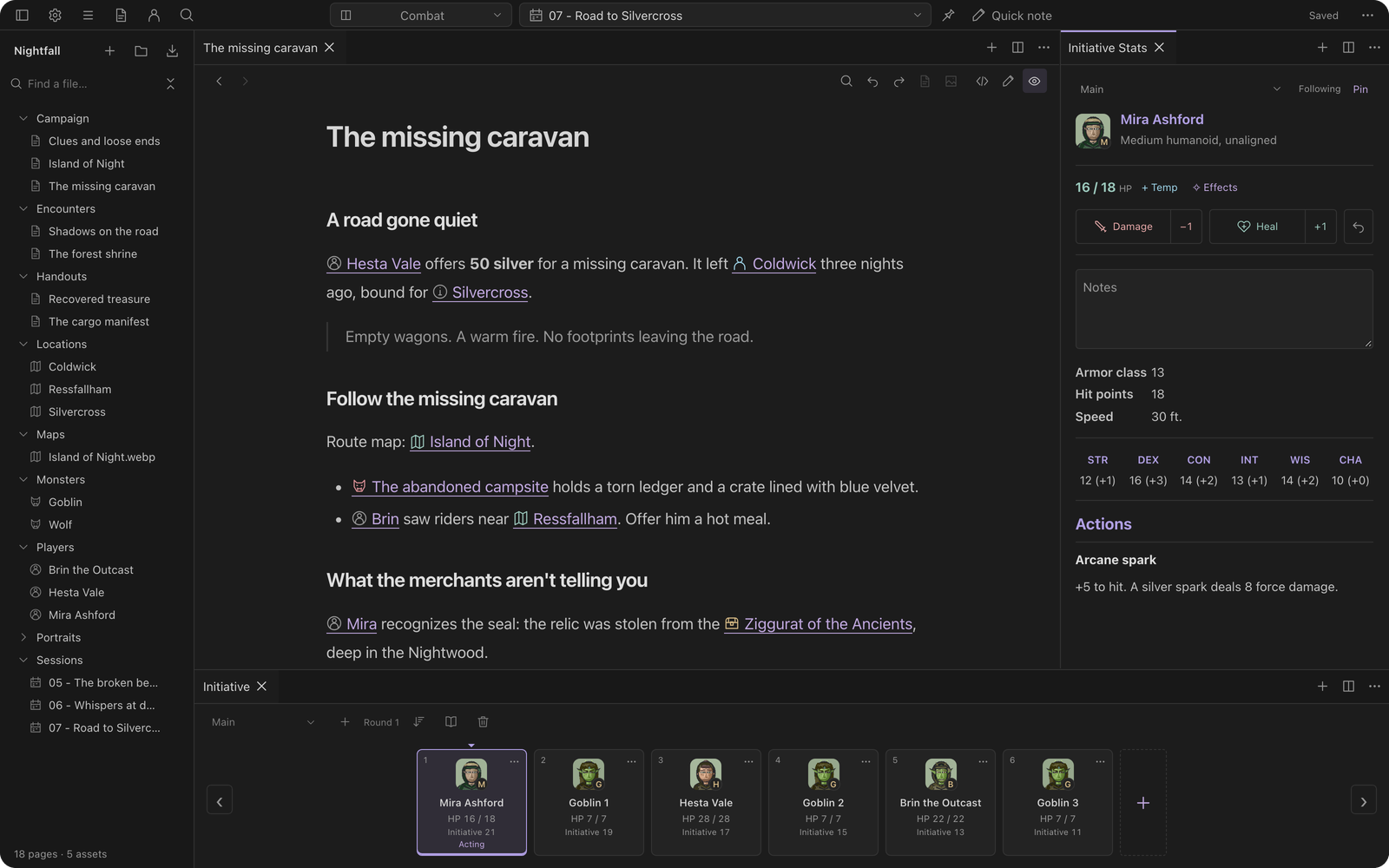
The desktop workspace
for tabletop Game Masters.
Bring notes, maps, and session tools together. Prepare your world and run your games in one connected workspace.
Join the waitlistWindows, macOS, and Linux at launch. Android and iPad planned for later.
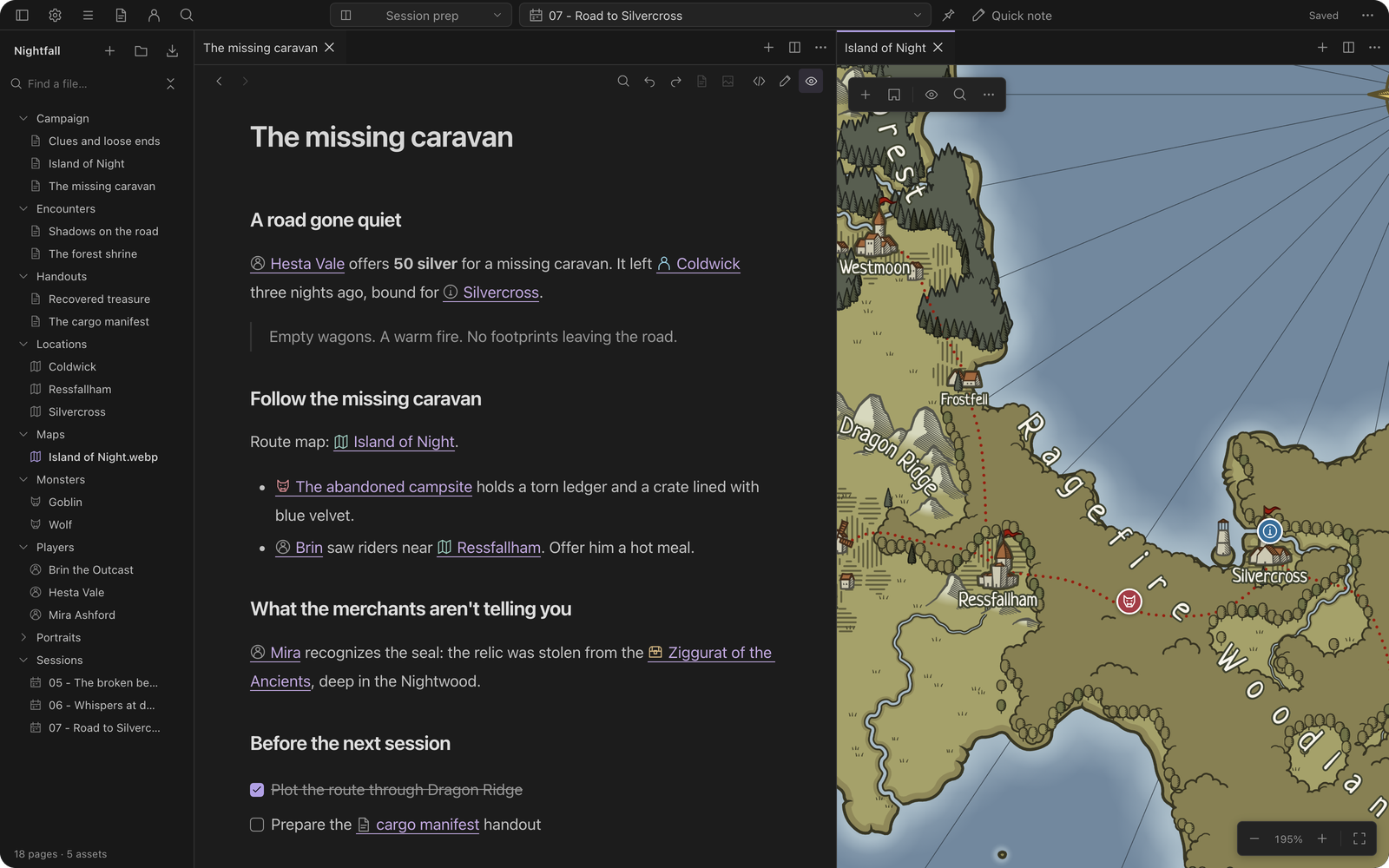
Build your workspace
Tools for campaign prep and live play.


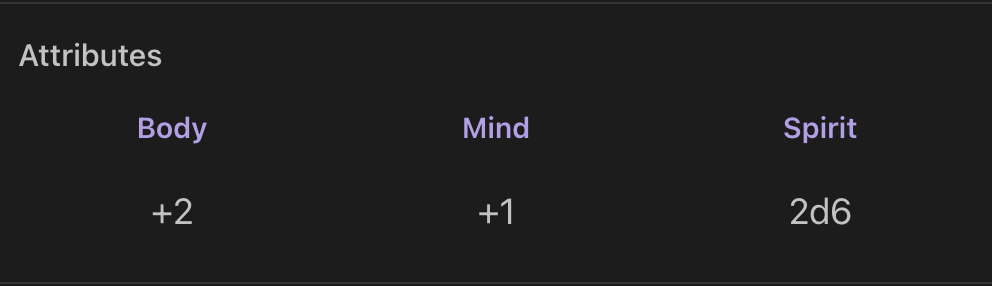

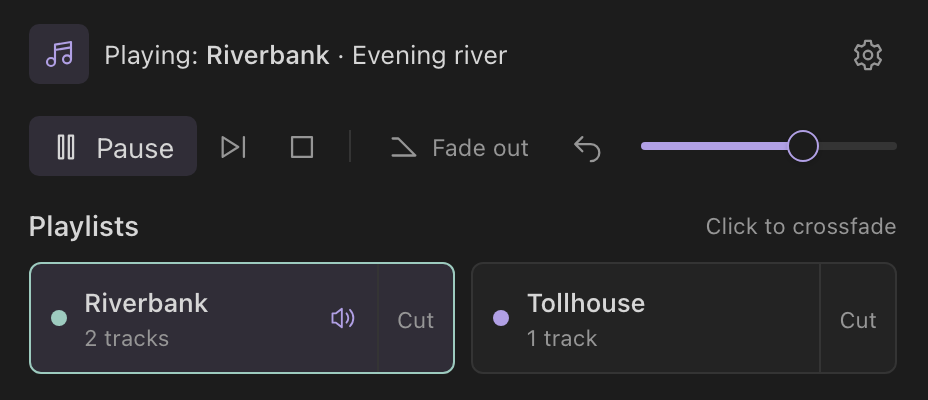
Trees & relationship maps
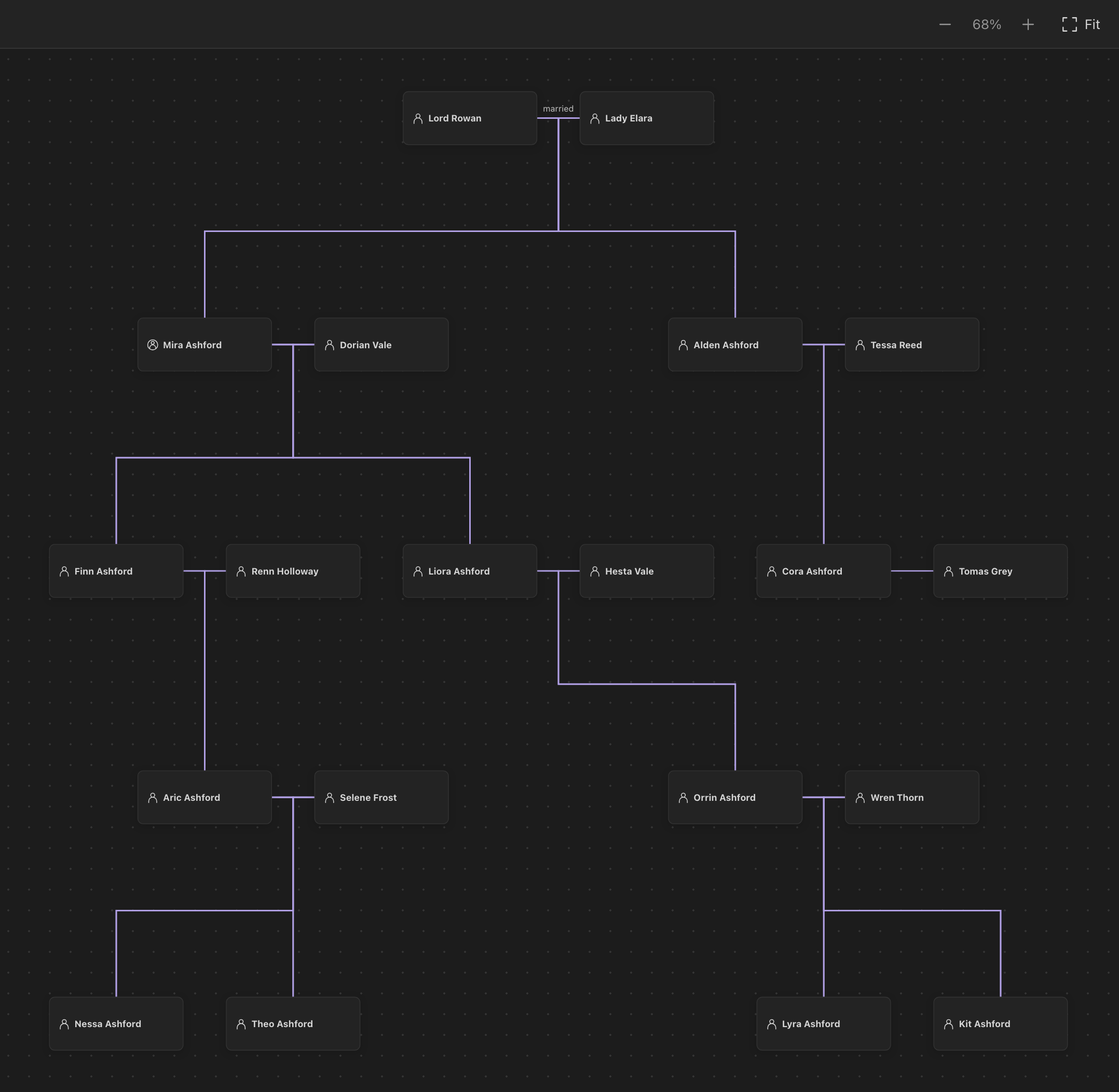
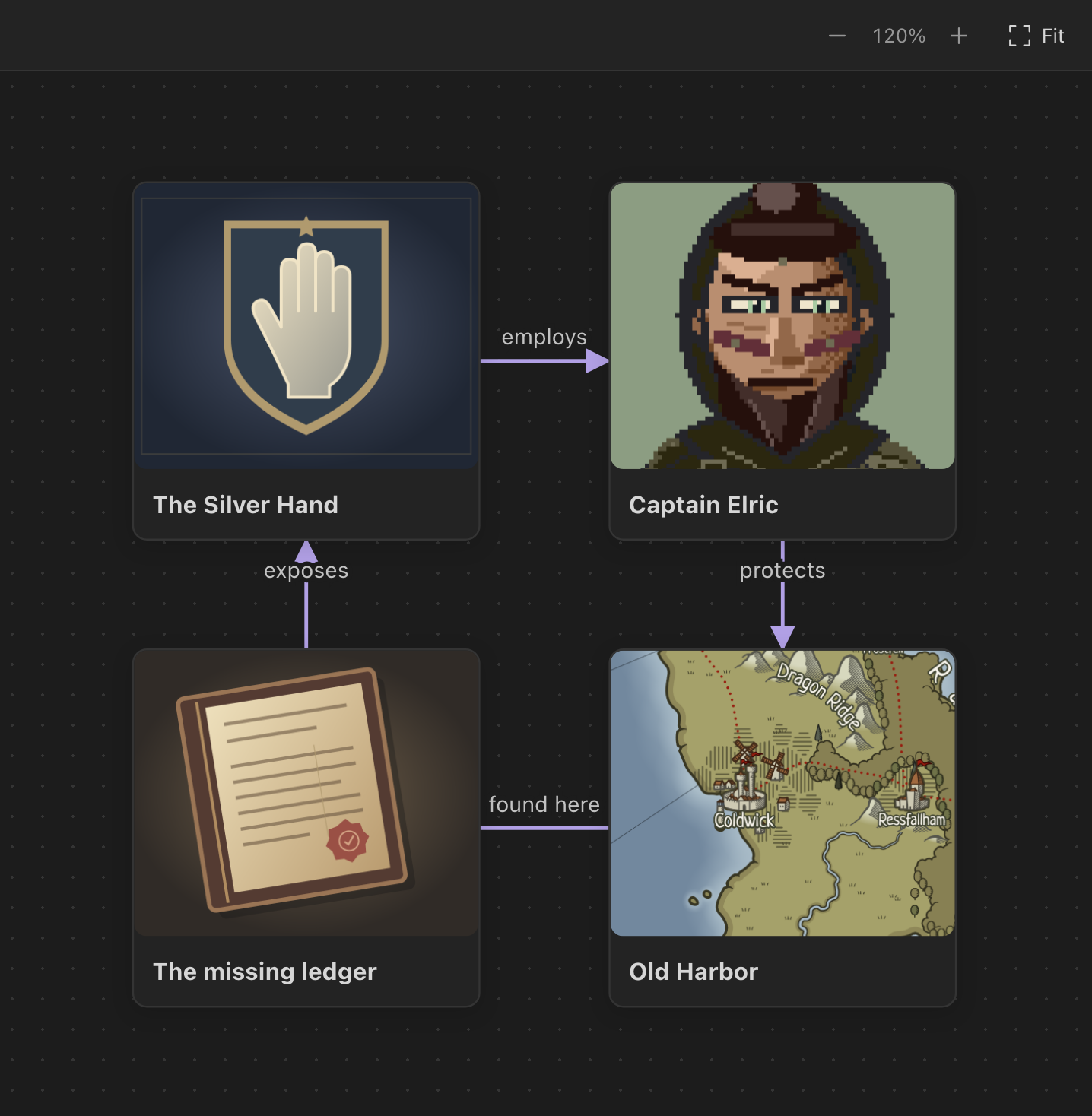
Connect characters, factions, and places. Build family trees and relationship maps linked to your notes.
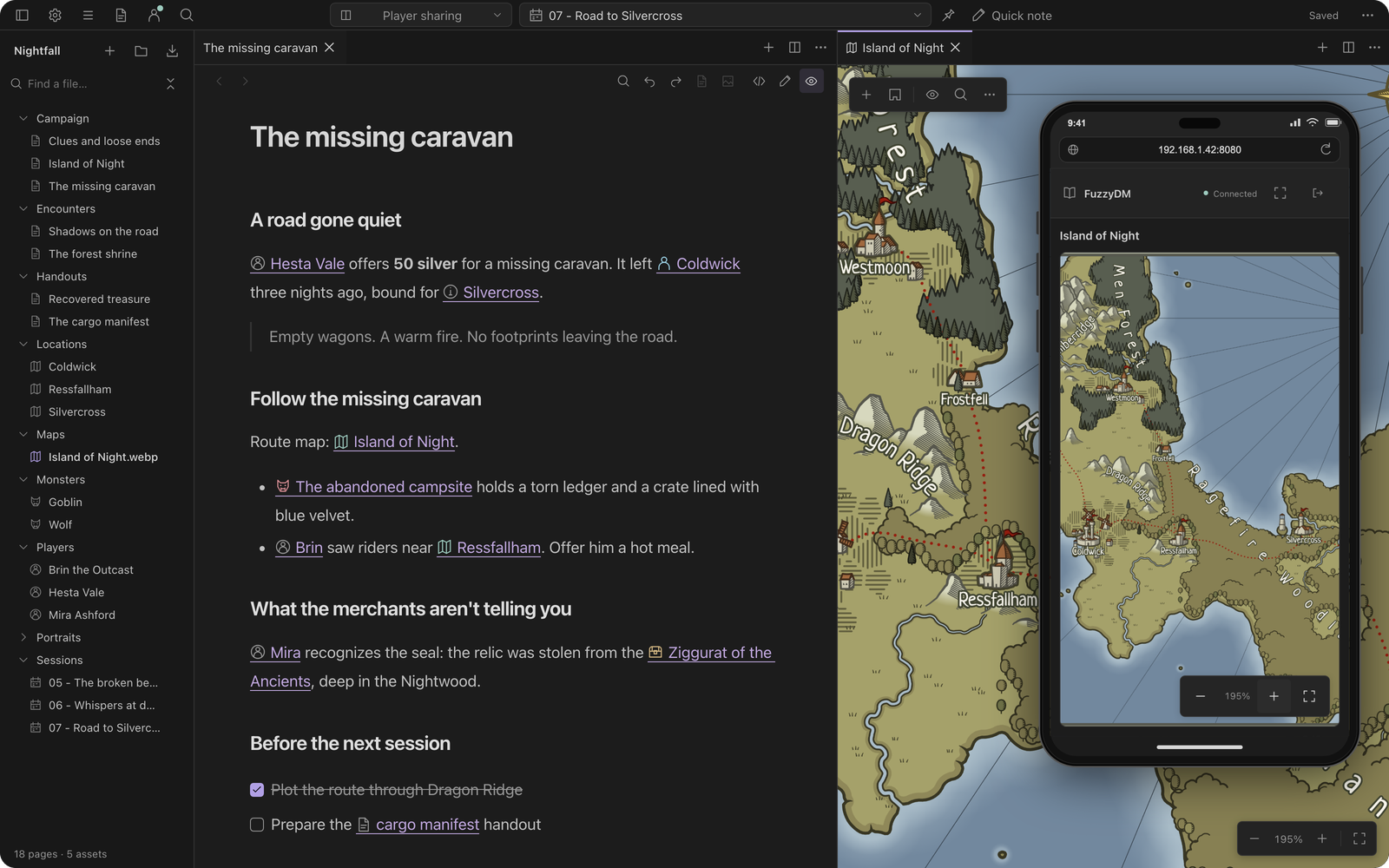
Live Share
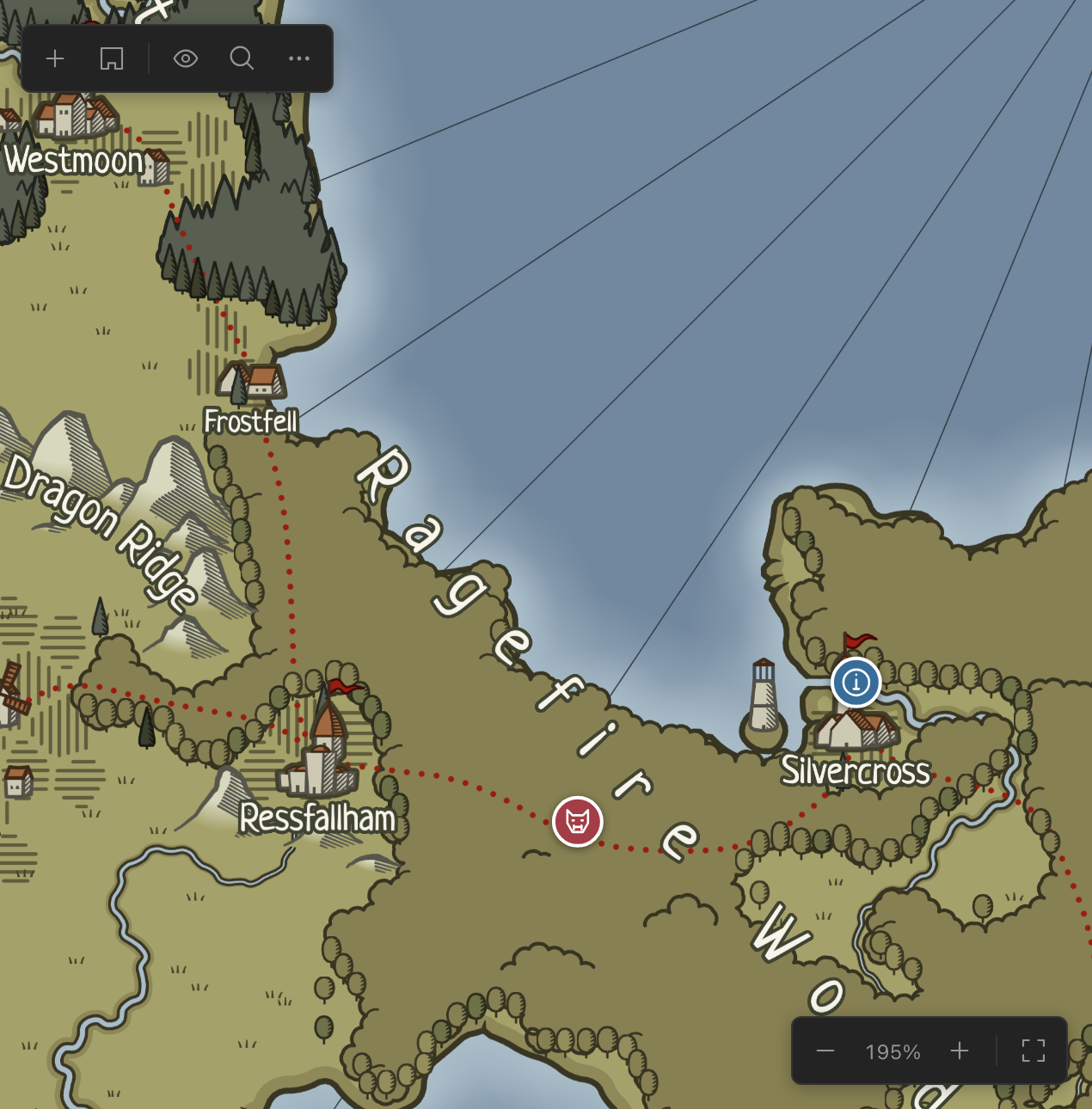
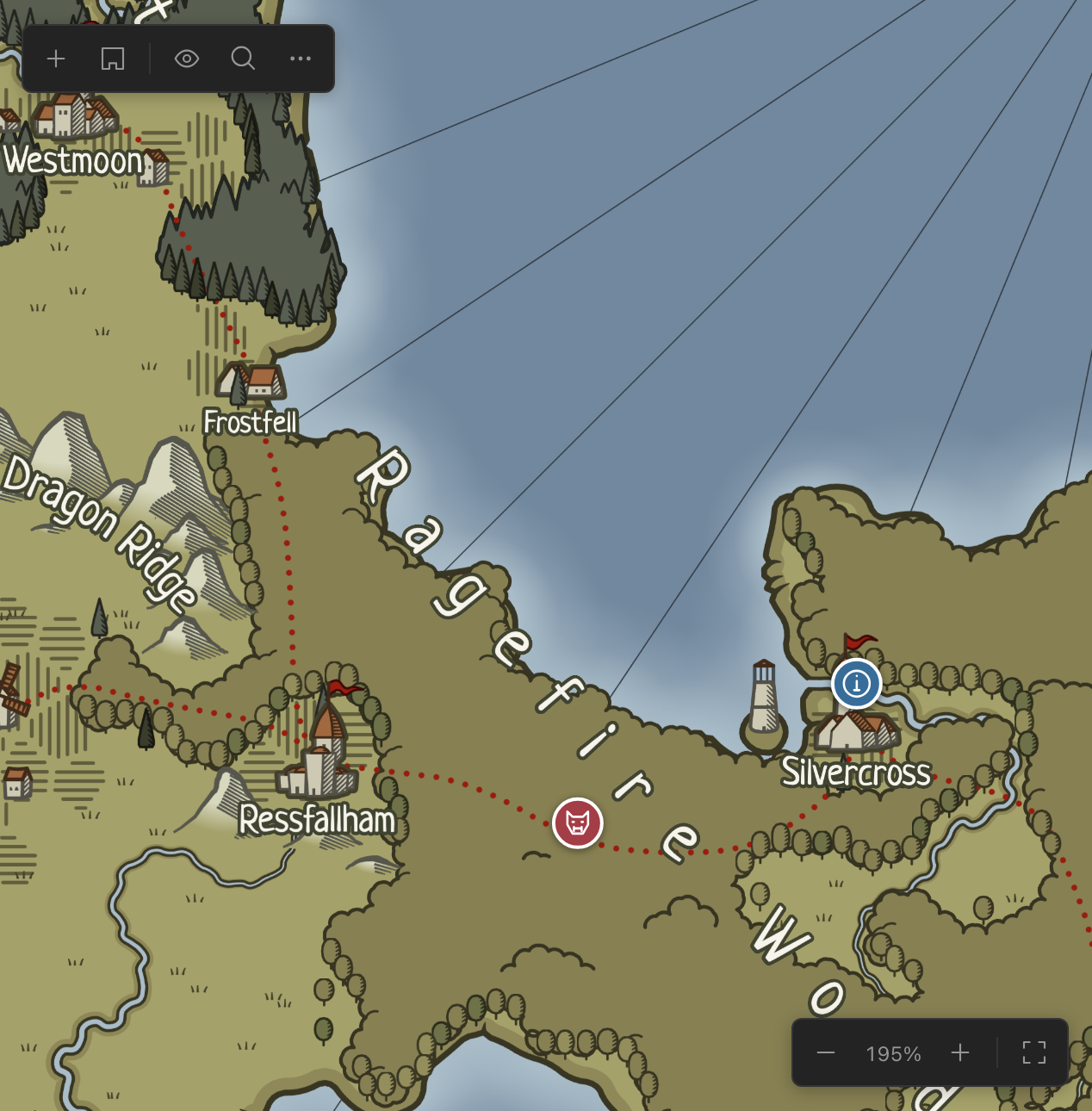
Share maps and notes with your players. They join from a browser on the same local network.

More to come...
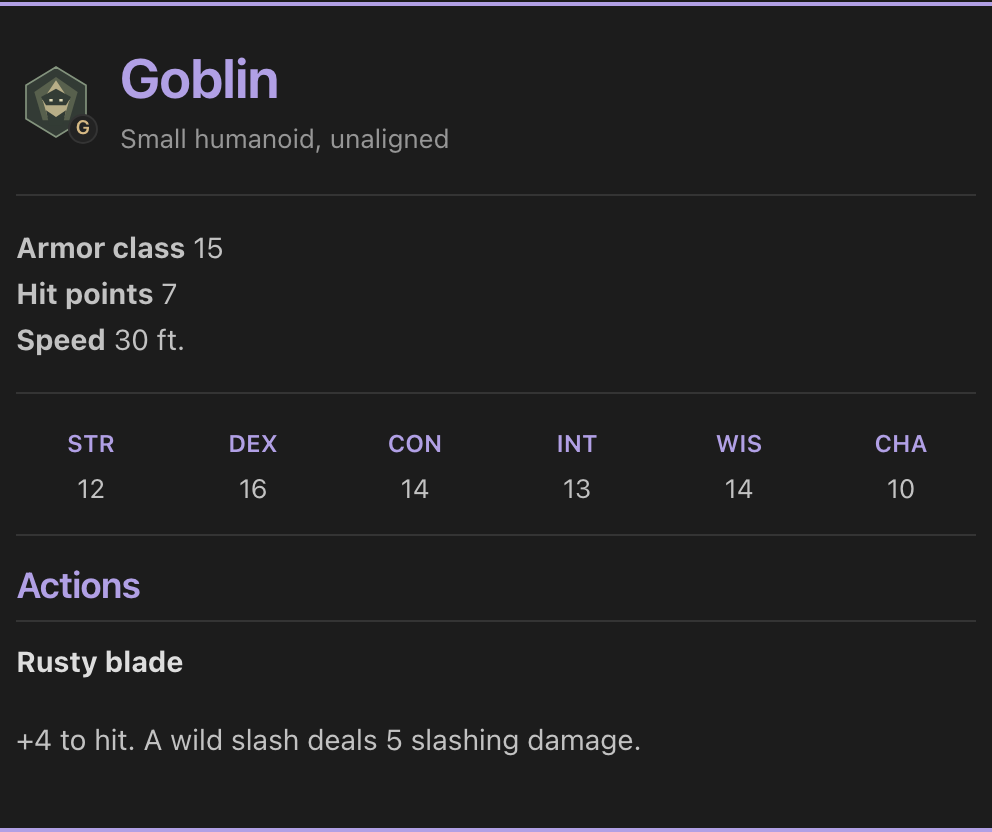
Open5e demo credits
This work includes material taken from the System Reference Document 5.1 (“SRD 5.1”) by Wizards of the Coast LLC and available at dnd.wizards.com/resources/systems-reference-document. The SRD 5.1 is licensed under the Creative Commons Attribution 4.0 International License.
Goblin data supplied through Open5e. Display formatting converted by FuzzyDM. No endorsement by Wizards of the Coast or Open5e is implied.
Your campaign.
Your files.
Your notes, maps, and artwork live together in a folder you choose. Keep your whole campaign on your computer.
Stored locally
Choose a folder for your campaign. FuzzyDM works directly with the files inside it.
Edited visually
Format notes as you write, with headings, lists, links, and images.
Backed up your way
Back up the whole campaign folder with the tools you already use.
Frequently asked
questions.
Something else on your mind? Get in touch.
When and where will FuzzyDM be available?
The desktop version is planned for launch on Windows, macOS, and Linux. Android and iPad versions are planned for later. Join the waitlist for launch news.
Is FuzzyDM a desktop app or a cloud service?
FuzzyDM is a desktop app, not a cloud service. Your campaign stays in a folder on your computer. Live Share lets players view shared maps and notes in a browser on the same local network.
Which game systems does it support?
Dedicated blocks support 5E and Old-School Essentials (B/X-style systems). Notes, maps, initiative, and system-neutral blocks work across rulesets. Blocks for other popular systems will follow. Suggest your favorites on our Discord.
Can I use my existing Markdown notes?
Yes. Open a folder of Markdown files, or import notes into your workspace. You write in a visual editor, while FuzzyDM saves your notes as Markdown behind the scenes. Obsidian plugins and some Markdown extensions aren’t supported.
Do players need to install FuzzyDM?
No. Live Share sends maps and notes to a browser on the same local network, including phone browsers. It is not an internet-hosted virtual tabletop.
Can I suggest a feature?
We welcome feature ideas on our Discord. Tell us what would help you prepare or run your games.